
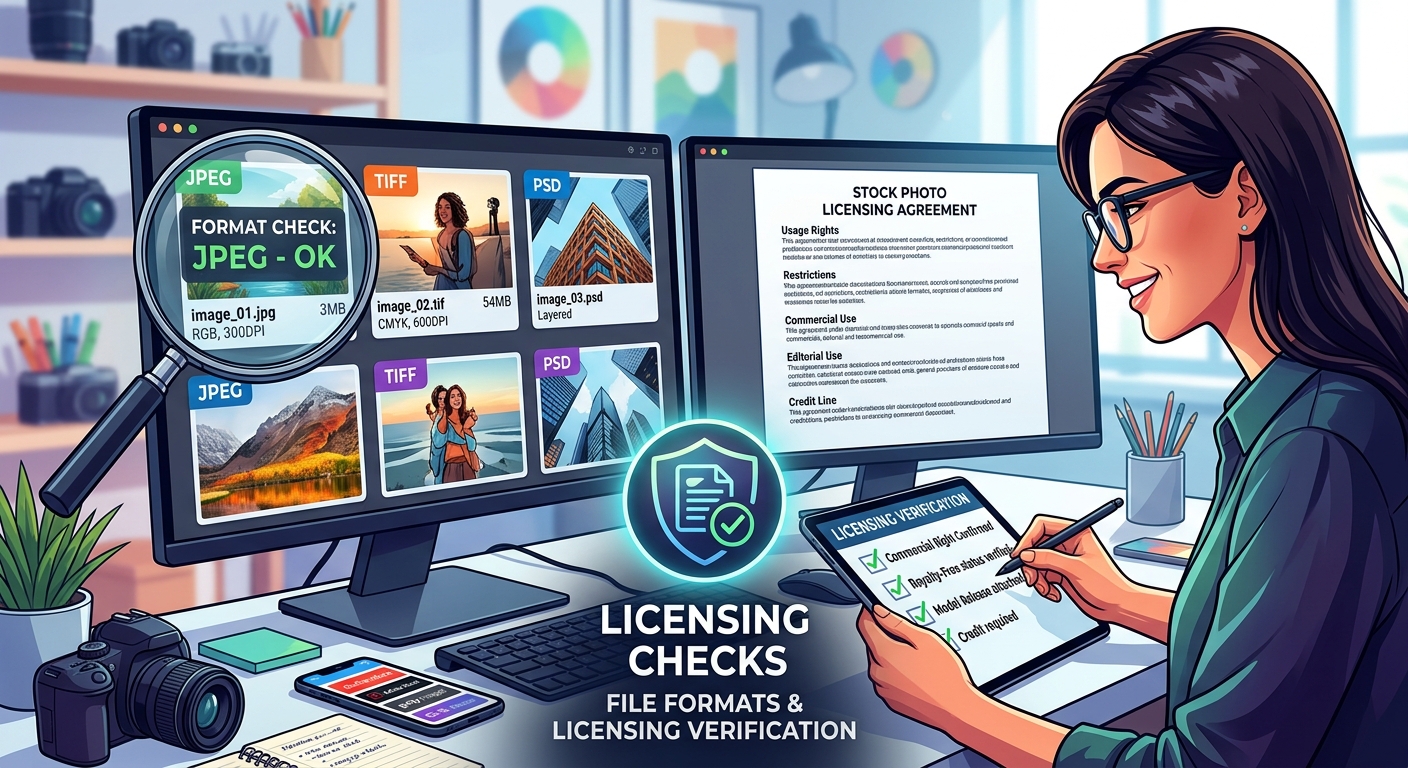
Stock Photo File Formats and Licensing Checks Before Publication
A stock photo can look perfect in a search result and fall apart on your actual page. The mobile crop cuts off a face. A logo appears in the background. The license covers a different use than the one you planned. Before that image reaches readers, it needs more than a glance and a download receipt. It needs a review that connects what the photograph shows, what your publication suggests, and what permission you actually have.
Three Checks Before You Publish
- Inspect the photograph in its intended layout.
- Match licensing and release records to your planned use.
- Change file formats only after confirming permission.
Judge the Photograph Inside Your Actual Layout
Start with the job the image needs to do. Is it explaining a process, setting a mood, or showing a specific event? A pleasant photograph can still be a poor choice if it tells a different story from your text.
For an article about workplace fatigue, a smiling team around a spotless desk may feel disconnected. A dramatic hospital scene may make a routine health topic look frightening. Ask what a reader would assume from the photograph before reading the caption. That assumption should fit the article.
Place a preview in the intended layout before buying, where the provider permits that preview use. Test the headline, caption, and surrounding space. A photograph with room for text may work beautifully as a banner but look awkward as a square thumbnail.
Check the Edges Before the Center
Our eyes usually go straight to a face or bright object. Composition problems often sit elsewhere. Scan each edge, then move inward. Look for cropped fingers, tilted walls, distracting signs, and objects that appear to grow out of someone’s head.
A tight crop is not automatically wrong. The question is whether it feels deliberate and preserves the meaning. Cutting through a joint can look uncomfortable. Removing a participant can change how a conversation appears. Cropping away protective equipment can make a safe activity look unsafe.
- Check whether the main subject stays visible in wide, square, and narrow crops.
- Look for background clutter that competes with faces or headline text.
- Inspect hands, eyes, tools, and other details central to the scene.
- Test whether text remains readable over both bright and dark areas.
- Review whether the crop changes the relationship between people or objects.
View the downloaded image at full size as well as its final display size. Full size reveals compression artifacts and retouching problems. The page preview shows whether those details actually affect the reader’s experience. Both views matter.
Match the License to the Publication You Have Planned
Write down the intended use before reading the license. Include the publication, placement, audience, and whether the image will appear in paid promotion. “For our website” is too vague if the same file will also become an advertisement, newsletter graphic, and downloadable report cover.
A purchase gives you the permissions described in the agreement. It does not mean every future use is covered. Read the terms attached to the specific asset and your purchase, including any restrictions shown on its listing or invoice.
Royalty-free does not mean free of charge or free of restrictions. Rights-managed licensing may define placement, duration, territory, and other limits. Official licensing terms illustrate these distinctions and explain restrictions on editorial alterations and standalone file distribution. Use your own provider’s agreement to decide what your purchase permits.
Separate Editorial Context From Promotion
A photograph accompanying reporting has a different purpose from one used to sell a service. Do not assume that placing an image beside an article makes the use editorial. Sponsored content, sales pages, and campaign graphics need careful attention to their actual purpose.
If an asset is marked editorial use only, check whether your proposed placement fits its conditions. A photograph acceptable within a news report may be unsuitable for an advertisement. Featuring a public figure does not itself give your business permission to imply their endorsement.
Check practical limits too. Does the agreement cover the team members who need access? Can a contractor receive the file for this project? Does merchandise or a reusable template require additional permission? Resolve these questions before the image spreads across several projects.
Prepare the Licensed Image for Web Use
Once the planned use is cleared, prepare a working copy for publication. Keep the original download separate. That gives you a clean starting point if a crop fails or compression removes too much detail.
Choose the format according to the photograph and your publishing system. JPEG is a common choice for photographs. WebP and AVIF can offer smaller files at an acceptable visual quality. PNG supports transparency but may produce a larger file for a detailed photograph. Test your actual image instead of assuming one format always wins.
Use an image converter when your workflow requires a format change. Conversion does not alter usage rights. A restricted photograph remains restricted after conversion from TIFF to JPEG or from JPEG to WebP. A different extension also does not supply a missing model release or remove a required credit.
Protect Quality Through Each Export
Resize for the layout rather than uploading a huge original for a small card. Allow enough pixels for sharp display on higher density screens. Where your publishing system supports responsive images, provide suitable sizes for different screen widths.
Compare the export with the original. Check hair, foliage, fabric, and smooth backgrounds. Heavy compression can turn fine texture into smudges or create bands across a sky. Increasing the dimensions afterward cannot restore detail that was lost.
Check color as well. For ordinary web publication, an sRGB export is usually a sensible starting point. Preview the result in the browser and content management system you use. If an image changes appearance after upload, investigate the processing settings before accepting the result.
Conversion and upload tools may remove metadata. Keep licensing evidence outside the image file, and place any required visible credit where the agreement specifies. Metadata alone is not a dependable place for a credit readers need to see.
Review Model Releases Against the Intended Message
A model release concerns permission relating to a person’s likeness. It is separate from the copyright license for the photograph. Having permission from the photographer does not automatically resolve every question about a recognizable person in the frame.
Requirements depend on the use, jurisdiction, and circumstances. For promotional use featuring identifiable people, check the provider’s release status and the assurances offered by its agreement. If the status is absent or unclear, seek clarification before publication.
Recognition is not limited to a clear face. Clothing, tattoos, location, or a distinctive role may help identify someone. Turning a person away from the camera is not a dependable substitute for checking permissions.
Check Every Person Who Could Be Identified
A group photograph deserves more attention than a single portrait. Do not assume that confirmation about the central model covers everyone behind them. Check whether the provider’s release information applies to all recognizable people relevant to your use.
Images featuring children need particular care. Review whether the provider confirms appropriate parent or guardian permission and whether restrictions affect the planned placement. Avoid treating a general “released” label as an answer to every possible use.
You may not be given copies of private release documents. In that case, retain the provider’s recorded release status and any written clarification. The aim is to understand the permission being represented, not to gather unnecessary personal information.
Read the Caption as Part of the Image
A routine portrait can acquire a sensitive meaning through nearby text. A person shown beside an article about addiction, debt, or illness may appear to have that condition. The photograph alone does not support that claim.
Read the heading, caption, and image together. Check the agreement for sensitive-use conditions and any required disclosure. Even where a use is permitted, consider whether another photograph would communicate the subject with less chance of misrepresenting the person.
Do not present a stock model as a customer giving a testimonial. Do not describe them as an actual patient, employee, or participant unless you have evidence supporting that description. A convincing scene is still an illustration.
Check Property and Background Details Before Approval
People are only part of the review. Photographs may contain artwork, branded products, distinctive interiors, or private locations. Those details can raise separate permission questions depending on the placement and applicable rules.
Look closely at screens and papers too. A staged office image might show names, contact details, or account information. Even when the details are fictional, they can distract readers or make the scene look careless.
A visible logo does not automatically make a photograph unusable. Its role in the image and the publication context matter. A brand incidental to reporting presents a different question from a prominent product in a sales campaign. Check the asset restrictions rather than guessing from appearance.
Avoid assuming that retouching solves a rights problem. Editing may be restricted, particularly for editorial material. Removing one detail also may not address other recognizable features or permissions. Choose another asset when the proposed repair creates more uncertainty.
Keep a Publication Record You Can Actually Find
The person selecting the image may not be the person publishing it. A shared record keeps licensing details from disappearing during that handoff. Connect the final export to its original asset identifier, rather than relying on a filename that anyone can change.
Keep the record compact enough that your team will maintain it. It should answer where the photo came from, what use was approved, and what conditions the publisher must follow.
- Save the asset identifier, provider, purchase receipt, and applicable agreement.
- Record the intended placement and any duration or territory limits.
- Retain release status and written answers about uncertain permissions.
- Note required credits, disclosures, and restrictions on editing.
- Connect the original file to the approved crop and web export.
Before publication, inspect the actual page on a phone and a larger screen. Confirm that the crop holds, the caption fits, and any required credit is present. Check the social sharing preview as a separate placement, since it may use another crop or suggest a different message.
Publish a Photograph You Can Stand Behind
A sound stock photo decision joins three things: a clear visual purpose, permission for the intended use, and a file that works on the page. None replaces the others. Beautiful composition cannot fix unsuitable licensing. A valid purchase cannot rescue a misleading caption.
If a material question remains unresolved, hold the image and seek clarification or choose a replacement with clearer terms. That pause is easier than correcting a published campaign. Once the checks are complete, you can publish with a useful record, a deliberate crop, and a photograph that supports what your readers came to understand.